
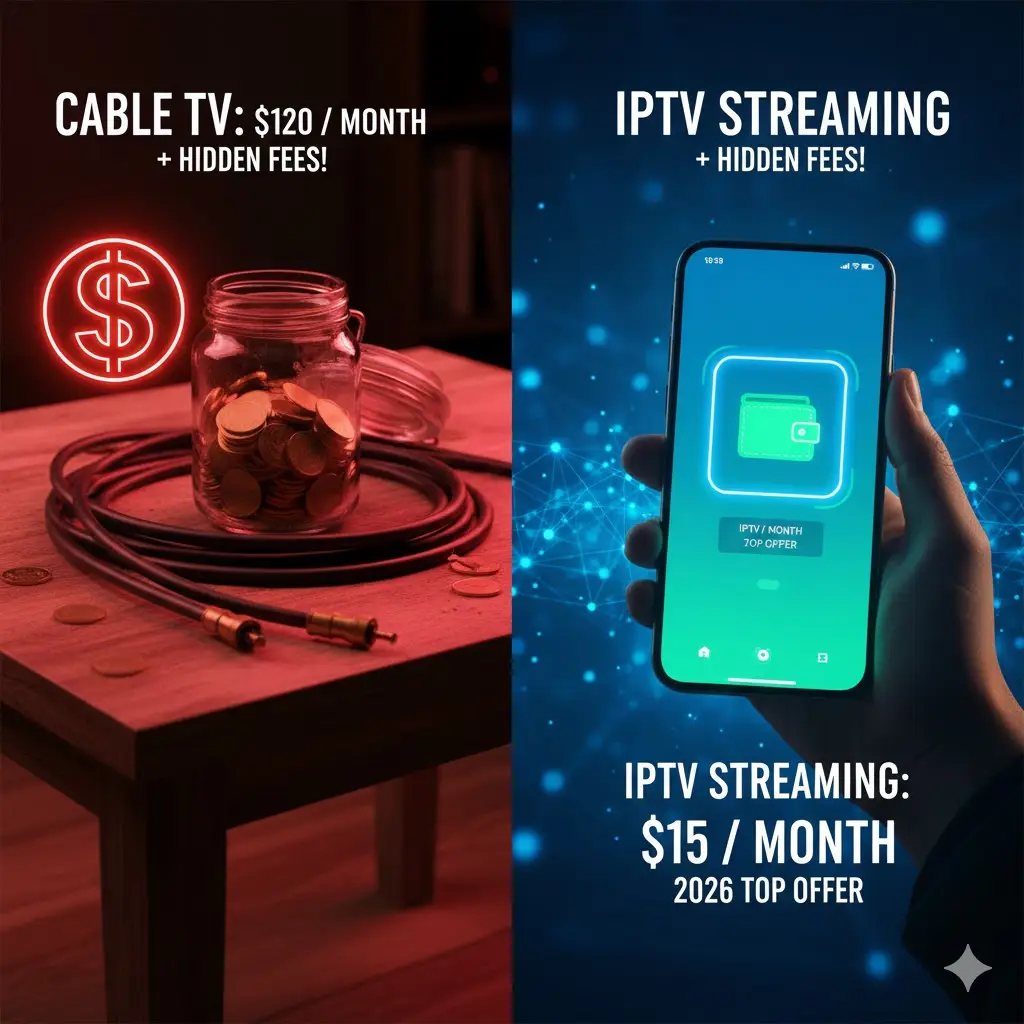
In 2026, the streaming market is more crowded than ever, and finding the sweet spot between affordability and quality can feel like a full-time job. Everyone promises the moon—thousands of channels, zero buffering, and 8K resolution—for the price of a sandwich. But when you look closer, the reality is often different. A transparent iptv price comparison is essential to avoid getting ripped off by services that vanish after a month or freeze every time a goal is scored.
As viewers cut the cord on traditional $150 cable bills, they are often overwhelmed by the sheer number of digital options. Does paying more actually guarantee better stability? Or are the budget providers just as good? In this guide, we break down the true costs of IPTV in 2026, analyzing what you actually get for your money across different price tiers.
The Three Pricing Tiers of 2026
To understand the market, we must categorize providers based on their service level. Unlike regulated cable, IPTV is the Wild West, but distinct patterns have emerged this year.
Tier 1: The “Too Good To Be True” ($2 – $5/month)
You will find these deals on social media or shady forums. They promise 50,000 channels and lifetime access for a rock-bottom price.
- The Reality: These are often “oversold” servers. The picture quality is usually low (720p or compressed 1080p), and buffering is constant during peak hours. Customer support is non-existent.
- Verdict: Avoid unless you enjoy frustration.
Tier 2: The Mid-Range Standard ($10 – $15/month)
This is the most populated segment. These providers offer a solid balance of channel variety and decent server stability.
- The Reality: Good for casual viewing. You might experience occasional lag during major events like the Super Bowl, but for daily news and sitcoms, it works fine.
- Verdict: A safe bet for average users.
Tier 3: The Premium Tier ($20 – $30/month)
These are top-tier IPTV solutions that invest heavily in infrastructure.
- The Reality: True 4K/UHD streams, anti-freeze technology, catch-up TV features, and responsive support.
- Verdict: The best value for sports fans who cannot afford to miss a moment.
Hidden Costs to Watch Out For
When analyzing the iptv cost, the advertised monthly rate isn’t always the final price. In 2026, many providers have introduced additional fees that can sneak up on you.
Connection Fees
Most basic plans cover one device. If you want to watch on your TV in the living room and your phone in the bedroom simultaneously, you often have to pay extra for a “multi-room” connection.
- Average Cost: +$5 per extra connection.
VPN Requirements
Some budget providers use non-secure servers that get throttled by Internet Service Providers (ISPs). To watch smoothly, you might be forced to buy a separate VPN subscription.
- Average Cost: +$10/month (if purchased separately).
Activation Fees
While less common now, some services still charge a “setup fee” or “activation cost” for monthly plans to encourage you to buy yearly packages.
Yearly vs. Monthly: The Savings Breakdown
The biggest secret to getting the best iptv price is commitment. Providers want stable revenue, so they offer massive discounts for long-term sign-ups.
Let’s look at the math for a standard premium service:
- Monthly Plan: $15.00/month → $180/year
- 6-Month Plan: $70.00 → $140/year equivalent
- 12-Month Plan: $100.00 → $100/year
The Savings: Switching from monthly to yearly billing can save you nearly 45% annually. That is almost $100 back in your pocket just for planning ahead.
Why “Cheap” is Often More Expensive
It is tempting to grab the cheapest link you find on Reddit. However, the “churn” rate in cheap IPTV is high.
Imagine paying $30 for a “6-month” deal from an unverified seller. Two weeks later, their website disappears, and your screen goes black. You now have to go out and buy another subscription. If this happens three times a year, you have spent more than if you had just subscribed to a legitimate, stable streaming platform like TVPlusStream services from the start.
Reliability has a value. Calculating the “price per watchable hour” usually favors reputable providers over the bargain bin options.
Features That Justify a Higher Price
When comparing prices, ensure you are comparing apples to apples. A $20 service might seem expensive until you realize it includes features that the $10 service lacks:
- High-Bitrate 4K: True Ultra HD requires expensive bandwidth. Cheap services compress the signal, making 4K look like fuzzy 720p.
- Catch-Up TV: The ability to go back 7 days and watch shows you missed requires massive server storage.
- Electronic Program Guide (EPG): A working, accurate TV guide is essential for a cable-like experience.
Conclusion
In the iptv price comparison for 2026, the old adage remains true: you get what you pay for. While you don’t need to spend a fortune, aiming for the absolute lowest price usually results in a poor experience.
The smart move is to look for a mid-to-high tier provider that offers transparent pricing, no hidden fees, and volume discounts for yearly plans.
Ready to invest in a viewing experience that is worth every penny? Check out the competitive packages at TVPlusStream. Lock in a rate that balances affordability with premium performance today.
FAQ: IPTV Pricing Questions
Why are some IPTV services so cheap? Cheap services often cut corners on server quality, customer support, and security. They oversell their capacity, hoping not everyone logs on at once. When they do, the service crashes.
Do I have to sign a contract? No. One of the main benefits of premium IPTV options over cable is the lack of long-term contracts. Even “yearly” plans are just pre-paid access; you are not legally bound to renew.
Is there a free trial? Most reputable providers offer a trial (24-48 hours) for a small fee or free. Always take advantage of this to test the stability on your own internet connection before committing to a paid plan.