
How to Install IPTV Smarters Pro
on Roku TV Easily 2026
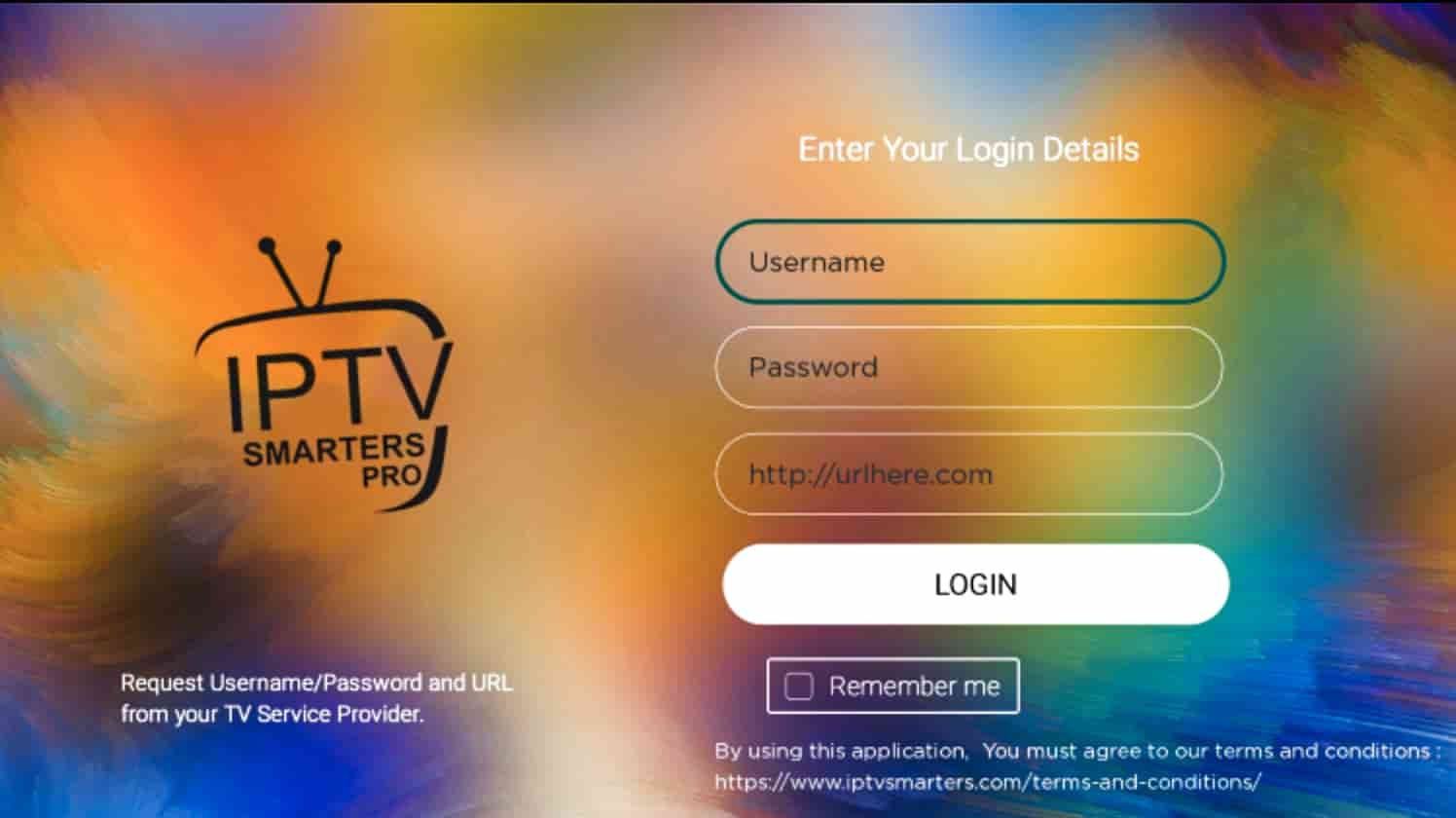
The following tutorial will show you step-by-step instructions to install IPTV on Roku for your live streaming needs.
Because Roku uses a non opened-source system, we must sideload IPTV App onto Roku.
This will require the use of a computer in order to download IPTV app file and add it to your Roku device.
IPTV-PROVIDER always recommends using an Android-powered device such as a Firestick or Fire TV because of its open-source system.
However, for those wanting to watch live tv on Roku, we can use the workaround below to install IPTV on your device
Step1: Enable Developer Settings on a Roku device
Using your Roku remote, enter the following sequence:

HOME – Three times
UP – Two times
RIGHT – One time
LEFT – One time
RIGHT – One time
LEFT – One time
RIGHT – One time
⦁ Make sure you do this quickly and in above order. This will open Developer Settings screen on your ROKU device
Follow the steps provided in the following flow to enable Developer Settings:

IMPORTANT: You must make note of the provided URL that we will use later.
In this instance, the URL is http://192.168.1.22. (You need take not of this pin when it shows into your screen 192.168.1.22.) Yours will be different
Click Enable installer and restart
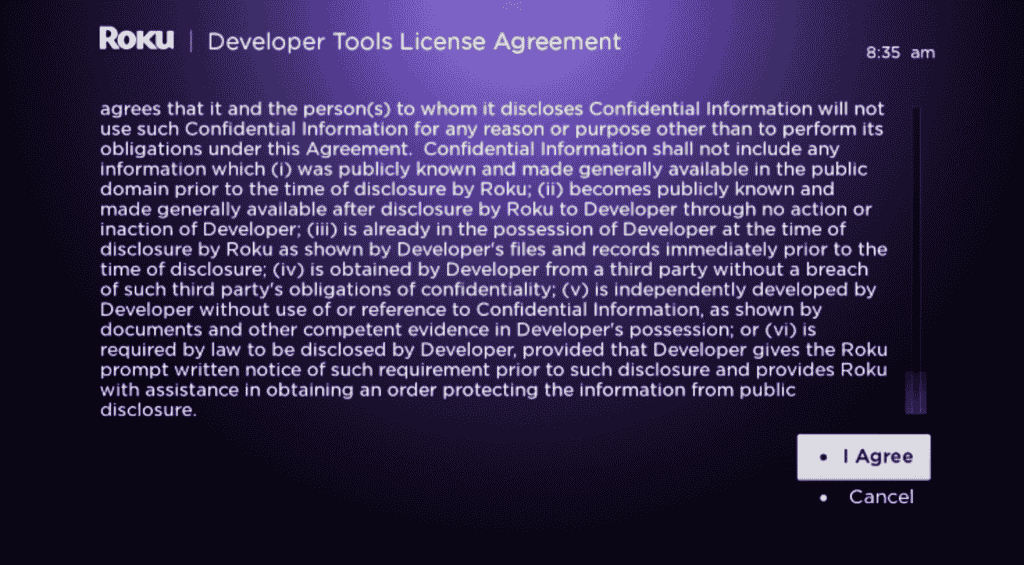
⦁ Scroll down and click I Agree to Developer Tools License Agreement

⦁ When prompted, enter a PIN Number (Remember this pin) of your choice and click Set password and reboot
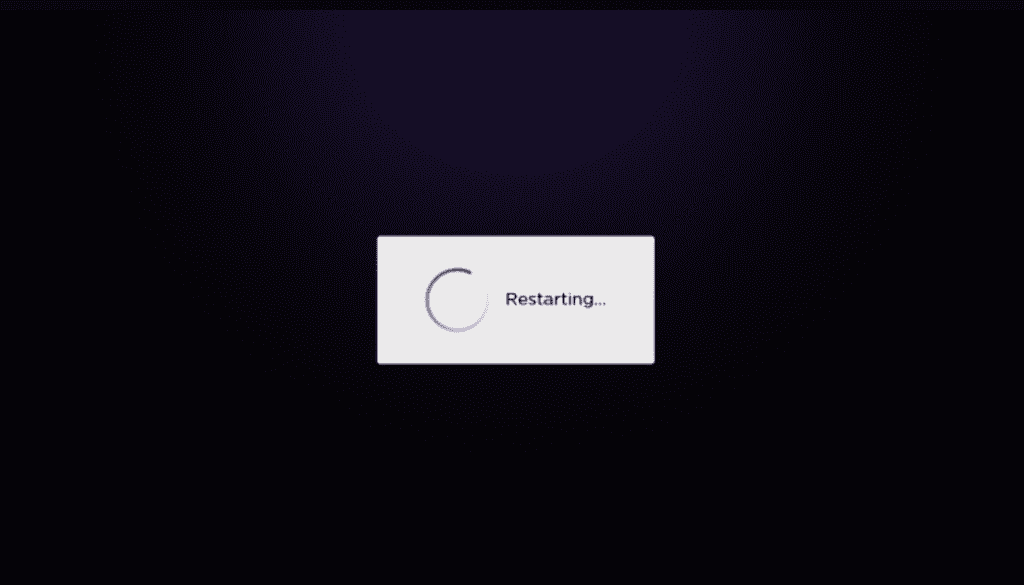
⦁ Your device will restart

⦁ We will now open a browser on our computer and go to ⦁ my.roku.com. Enter your account information and click Sign in


Choose Add channel with a code
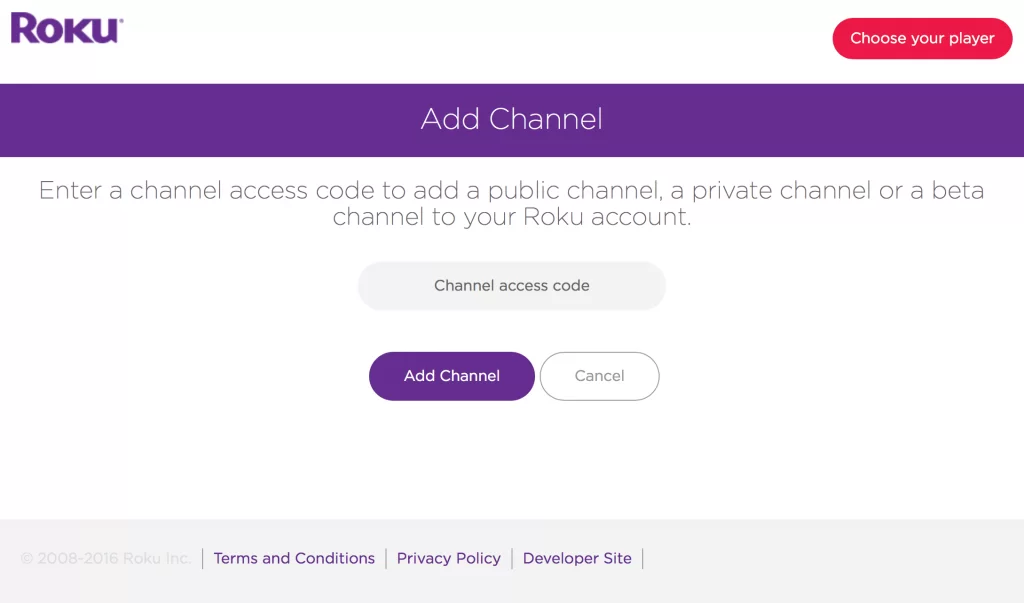
⦁ Type iptvsmarters and click Add channel
⦁ Click OK
⦁ Click Yes, add channel
(GO TO YOUR DESKTOP OR LAPTOP)
⦁ Next, we must install IPTV Smarters file onto our computer for upload.
⦁ Open this word file and click on the link blue so you can download the iptv application, ⦁ CLICK HERE TO DOWNLOAD THE APP and the file will be downloaded
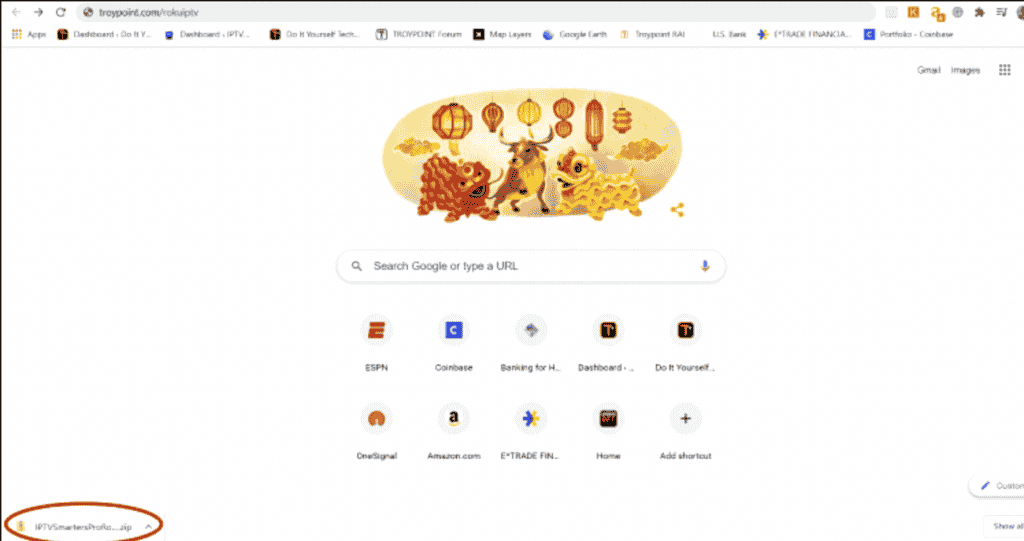
⦁ Now we will now go to the IP URL from above on our browser and Sign In with username: rokudev and password (PIN) we created earlier
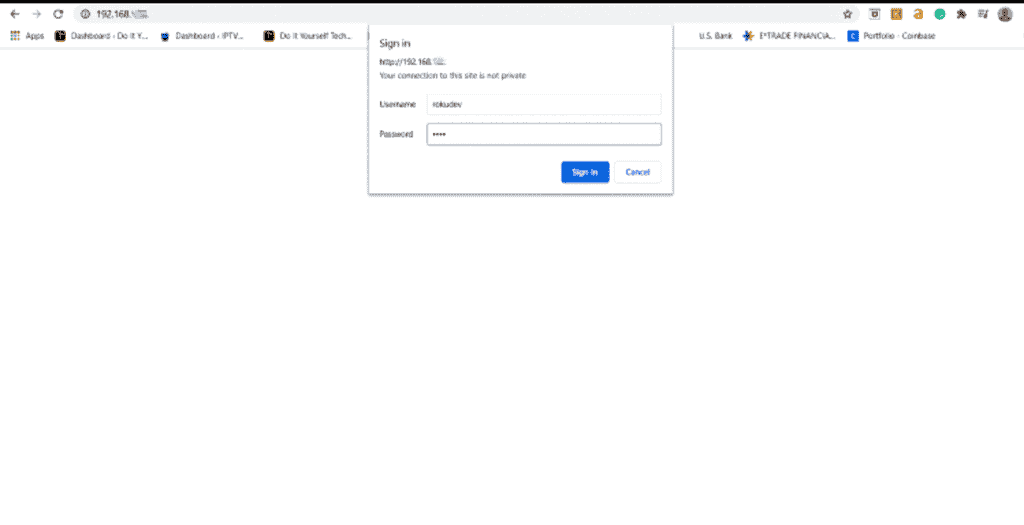
⦁ Click Upload
⦁ Choose the previously downloaded IPTV Smarters file
⦁ Click Install
⦁ It will show something similar to following screen after successfully installing on your ROKU device.
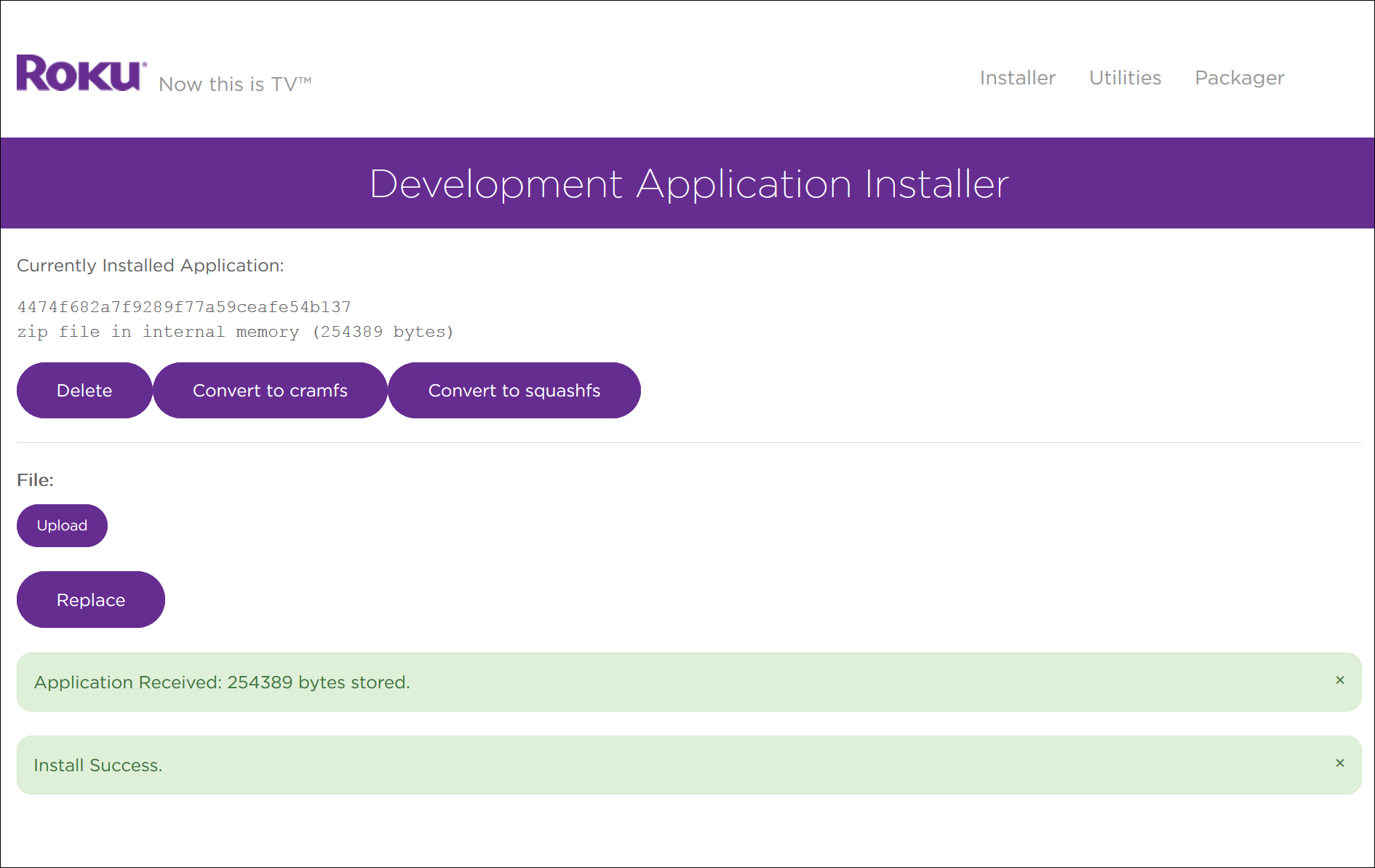
⦁ Return to your Roku Device where the application will automatically launch

That’s it! You can now enjoy IPTV on Roku with IPTV Smarters. Enjoy!
Conclusion: Enjoy Streaming on Roku
Successfully learning how to install IPTV Smarters on Roku opens up a massive library of live TV and movies on your device. While Roku’s closed operating system makes it slightly more complex than using a Firestick or Android TV, the “Developer Mode” workaround is a proven method to bypass these restrictions.
By following the sideloading steps above, you have transformed your standard Roku TV into a powerful streaming hub. Now, simply enter your username and password into the app, and you are ready to watch your favorite content. Remember to always keep your device connected to a secure network for the best streaming experience.