
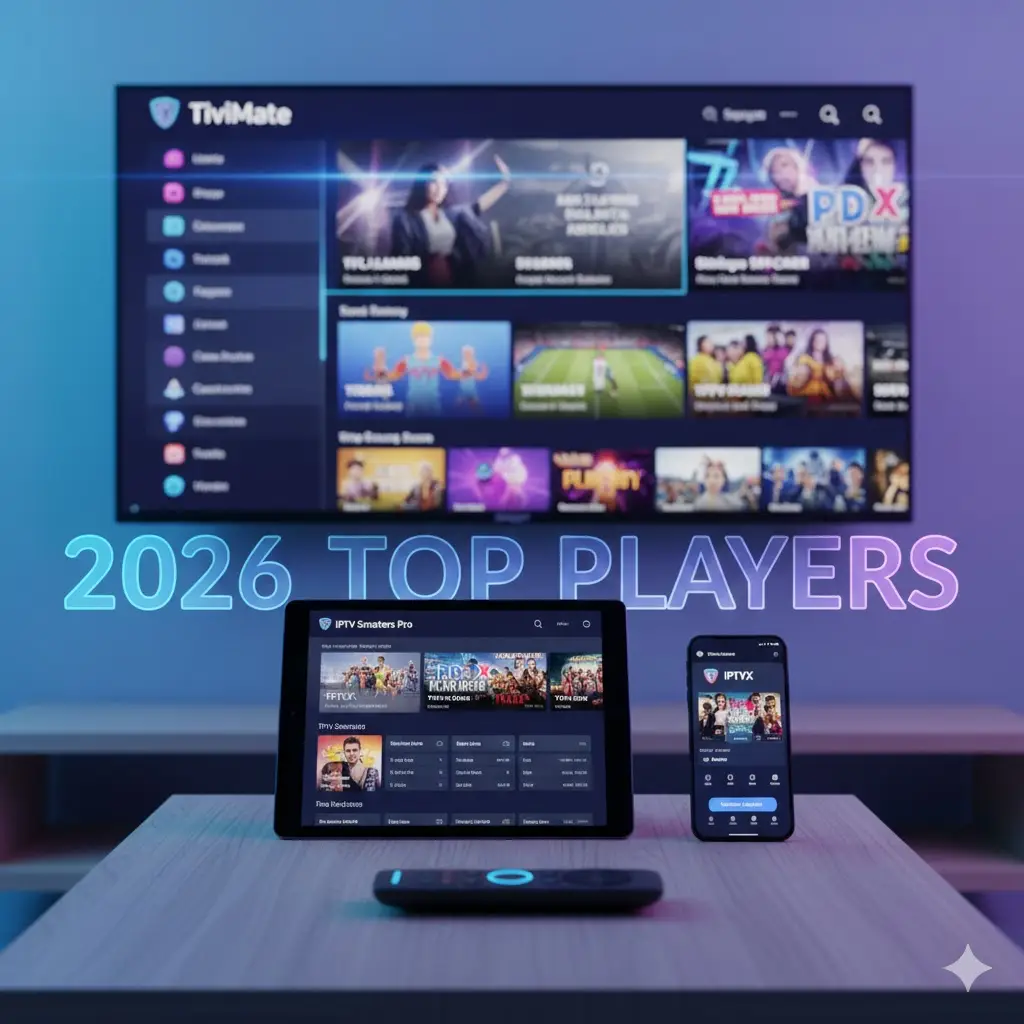
You have the perfect TV setup and a high-speed internet connection, but your streaming experience still feels clunky. The channels take too long to load, and the guide looks like it’s from 1995. The problem usually isn’t your internet; it’s the software you are using. Choosing the right iptv players is the single most important step in transforming a mediocre viewing experience into a premium one.
In 2026, the technology behind these apps has advanced significantly. We now have players that support AI-driven recommendations, seamless 4K playback, and interfaces that rival Netflix in design. But with hundreds of options on the app stores, how do you know which one to trust?
This guide cuts through the noise. We have tested the most popular iptv player list to bring you the best options for every device, ensuring your streams look crisp and load instantly.
Why the Player Matters as Much as the Service
Think of your IPTV setup like a car. Your subscription is the fuel, but the IPTV player is the engine. You can put high-quality fuel into a rusty engine, but it won’t run smoothly.
A high-quality player handles the decoding of video files. It manages the Electronic Program Guide (EPG) so you can see what is playing. It also controls features like “Catch-up TV” and recording. If you want to eliminate buffering and enjoy a modern interface, upgrading your player is the quickest fix.
Top IPTV Players for Android & Firestick
Android-based devices, including the Amazon Firestick and NVIDIA Shield, offer the widest range of best iptv player apps. Here are the market leaders for 2026.
1. TiviMate (The Premium Standard)
If you ask any streaming enthusiast for their recommendation, TiviMate is almost always the answer. It was built specifically for TV screens, not touchscreens, making it incredibly intuitive to use with a remote.
- Best Feature: Multi-View. You can watch up to 4 channels simultaneously on one screen—perfect for sports fans.
- User Interface: sleek, modern, and highly customizable.
- Verdict: The absolute best option if you are willing to pay a small yearly fee for the premium version.
2. IPTV Smarters Pro (The User-Friendly Choice)
Smarters is likely the most famous name in the industry. It divides content into clear categories: Live TV, Movies, and Series. This structure makes it ideal for families or less tech-savvy users.
- Best Feature: Master Search. You can search for a movie title, and it will check both the Live TV schedule and the Video-on-Demand library.
- Verdict: Reliable, free (with ads), and easy to set up.
3. XCIPTV Player
This player is a favorite among providers because it is easily brandable, but it is also great for end-users. It uses the reliable ExoPlayer and VLC Player engines, meaning it can play almost any video format without stuttering.
- Best Feature: Built-in speed test to check your connection directly within the app.
- Verdict: A fantastic, lightweight alternative if you find Smarters too bloated.
Best IPTV Players for Apple (iOS & Apple TV)
Apple’s ecosystem is stricter, but there are still powerful iptv player review winners available on the App Store.
1. IPTVX
IPTVX is designed to look exactly like the Apple TV interface or Netflix. It uses metadata to pull in movie posters, ratings, and cast info automatically, turning a boring text list into a visual library.
- Best Feature: “Continue Watching” row that syncs across devices via iCloud.
- Verdict: The most beautiful interface available for Apple users.
2. GSE Smart IPTV
A veteran in the space, GSE is known for being a “Swiss Army Knife.” It supports almost every playlist format imaginable (M3U, JSON, Xtream Codes).
- Best Feature: Strong support for subtitles and external audio tracks.
- Verdict: A bit complex for beginners, but powerful for power users.
Best Players for Smart TVs (Samsung & LG)
Smart TVs run on proprietary operating systems (Tizen for Samsung, WebOS for LG), so you cannot install Android apps directly. However, these specific players are optimized for your TV.
1. Smart IPTV (SIPTV)
Known for its speed, SIPTV is a “no-frills” player. It doesn’t have fancy animations, which allows it to load thousands of channels instantly on older TV hardware.
- Best Feature: extremely fast channel zapping.
- Verdict: Great for older TVs, though the setup requires using a website to upload your playlist.
2. Nanomid
Nanomid stands out because it allows you to bypass certain network restrictions. It is one of the few Smart TV players that supports VPN integration directly.
- Best Feature: Native VPN support on Tizen/WebOS.
- Verdict: Essential for privacy-focused users on Smart TVs.
Features to Look for in 2026
When choosing from the vast iptv player list, ensure your choice has these three modern essentials:
- EPG Support: A player without a guide is useless. Ensure it supports XMLTV formats so you can see what is airing.
- Backup Playlist Support: The ability to add multiple subscriptions. If one provider goes down, you can switch to a backup instantly.
- Recording (PVR): The ability to schedule recordings for later viewing is a standard feature in 2026.
The Missing Piece: Premium Service
It is important to remember that these players are “empty shells.” They do not contain any movies or channels when you download them. You are responsible for adding the content via a subscription.
Using a high-end player like TiviMate with a cheap, buffering subscription is a waste of technology. To get the most out of these apps, you need a high-bandwidth provider. TVPlusStream services are optimized to work perfectly with these top-tier players, offering the raw speed needed for 4K streaming and instant channel switching.
Conclusion
Upgrading your player is the easiest way to modernize your TV setup. Whether you choose the power of TiviMate, the simplicity of Smarters, or the visual beauty of IPTVX, the right software puts you in control.
However, software is only half the battle. For a truly buffer-free experience in 2026, pair your new player with a robust streaming platform.
Check out the premium packages at TVPlusStream to get the high-quality video feed your new player deserves.
FAQ: Common IPTV Player Questions
Do IPTV players come with channels? No. IPTV players are just media managers. They are empty until you enter the login details or M3U link provided by your IPTV subscription service.
Which IPTV player is best for 4K? TiviMate and XCIPTV are currently the leaders for 4K playback. They utilize hardware decoding, which allows your device (like a Firestick 4K) to process high-resolution video efficiently without overheating.
Is it legal to use these players? Yes, the players themselves are 100% legal software tools, available on official stores like Google Play and the Apple App Store. They function similarly to a web browser; the legality depends on the content you choose to access with them.