
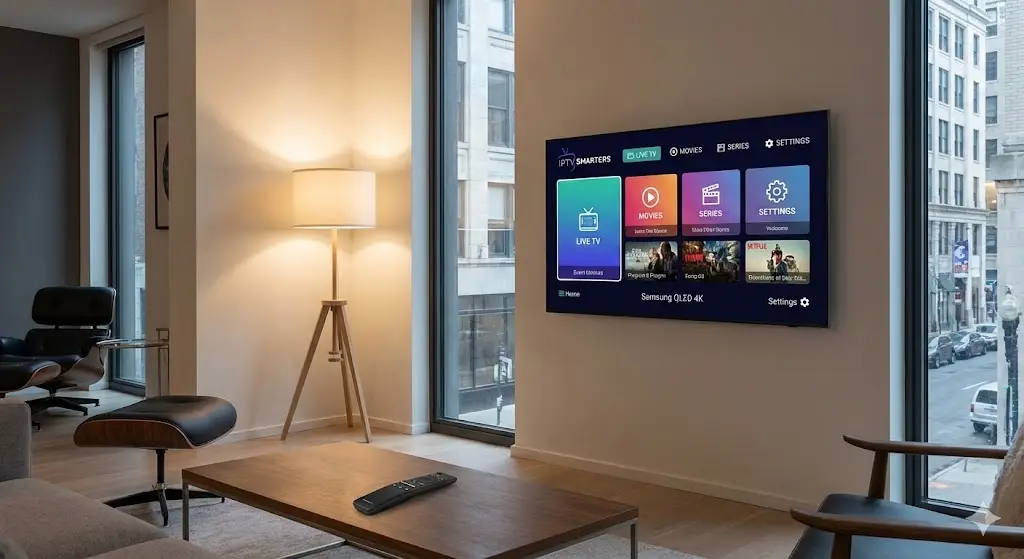
You bought a Samsung Smart TV for its stunning 4K display and vibrant QLED colors. It is the centerpiece of your living room, perfect for watching the big game or a movie night. But when it comes to streaming, the default app store can feel a bit restrictive. If you are trying to unlock global content, finding a reliable iptv samsung tv app is the key to maximizing your screen’s potential.
Unlike Sony or Philips TVs that run on Android, Samsung uses its own operating system called Tizen. This means you cannot just pop into the Google Play Store and download any app you want. However, Tizen still supports some of the most powerful players on the market if you know where to look.
In this guide, we break down the top apps specifically designed for Samsung’s ecosystem, ensuring you get a buffer-free experience without needing to buy extra hardware.
Why Samsung’s Tizen OS is Unique
Before downloading anything, it is important to understand why samsung iptv apps work differently. Tizen is known for being fast and secure, but it is a “walled garden.”
Most IPTV players are built for Android. To run them on a Samsung, developers have to create a specific version for Tizen. This limits the selection, but the apps that are available are usually highly optimized for the hardware, offering quick channel switching and excellent picture quality.
Top 5 IPTV Apps for Samsung Smart TV
We have tested these apps based on interface design, speed, and ease of setup. Here are the winners for 2026.
1. IPTV Smarters Pro (The User Favorite)
For most users, this is the undisputed king. IPTV Smarters Pro offers a clean, modern interface that looks just like Netflix or a traditional cable guide.
- Pros: Supports Catch-up TV, multi-screen viewing, and parental controls.
- Cons: Installation can sometimes be tricky as it is occasionally removed and re-added to the Samsung App Store.
2. Smart IPTV (SIPTV)
This is the “old reliable” of the industry. While the interface looks a bit dated compared to modern standards, it is incredibly lightweight. This means it loads channels instantly, even on older Samsung models.
- Pros: extremely stable; 7-day free trial.
- Cons: Paid app (approx. €5 one-time fee) after the trial; no internal EPG (Electronic Program Guide) customization.
3. SS IPTV
If you want a completely free option, SS IPTV is a strong contender. It allows you to upload playlists directly via a code, which saves you from typing long URLs using your TV remote.
- Pros: Free to use; supports multiple playlists.
- Cons: The menu navigation can be clunky.
4. Nanomid Player
Nanomid is gaining popularity because it is one of the few Tizen apps that supports VPN integration directly within the player. This is a huge plus for privacy-conscious viewers.
- Pros: Built-in VPN support; supports Zapping (fast channel switching).
- Cons: Paid subscription required for full features.
5. SET IPTV
A newer entrant that focuses on simplicity. It connects quickly and handles high-resolution streams well, making it a good choice for 4K sports.
- Pros: Very fast setup; user-friendly UI.
- Cons: Like SIPTV, it requires a one-time activation fee.
How to Install IPTV Smarters on Samsung
Since it is the most popular choice, here is a quick guide to getting it running. Note that availability in the “Apps” store varies by region.
- Open the App Store: Press the Home button on your remote and scroll left to “Apps.”
- Search: Type “IPTV Smarters Pro” in the search bar.
- Install: Select the app and click “Install.”
- Login: Open the app and select “Login with Xtream Codes.”
- Enter Details: Input the Username, Password, and URL provided by your subscription service.
Tip: If you cannot find it in the store, you may need to change your TV’s region settings or use an external device like a Firestick to access the Android version.
The “Hardware” Alternative
If you find the native samsung m3u apps too limiting or slow, there is a simple workaround: bypass the TV’s operating system entirely.
By plugging in an Amazon Fire TV Stick 4K or an NVIDIA Shield into one of your Samsung’s HDMI ports, you get the best of both worlds. You get the incredible Samsung display quality, but with the freedom of the Android operating system. This allows you to install superior players like TiviMate, which are not available on Tizen.
Why The Right Subscription Matters
Even the best app in the world cannot fix a bad signal. The app is just the video player; the “fuel” comes from your provider.
Many users blame their Samsung TV for buffering when the real culprit is a low-quality server. To truly enjoy 4K content on your QLED screen, you need a high-bandwidth provider. TVPlusStream services are optimized to work seamlessly with Tizen-based apps, ensuring that your stream stays clear and stable, even during peak hours.
FAQ: Samsung IPTV Questions
Is IPTV Smarters free on Samsung? The app itself offers a free version, which is sufficient for most users. There is a “Pro” version with advanced features, but the basic player handles live TV perfectly fine without payment.
Can I use a VPN on my Samsung TV? Tizen OS does not support native VPN apps (like NordVPN or ExpressVPN) directly. To secure your connection, you must either install the VPN on your router or use a player like Nanomid that has partial VPN integration.
Why did my app disappear? Samsung occasionally removes apps from their store due to licensing updates. If your app vanishes, do not panic. You can usually reinstall it by changing your region or switching to a different player from the list above.
Conclusion
Your Samsung TV is a powerful entertainment hub, and with the right software, it becomes even better. whether you choose the polished interface of Smarters Pro or the reliability of Smart IPTV, the key is pairing it with a solid connection.
Don’t let a great screen go to waste with a poor signal. For a premium experience that matches your hardware’s capabilities, explore the TVPlusStream packages today. Unlock the true potential of your Samsung Smart TV.